SketchUp Free is web-based, meaning there is no download or installation. You use it right inside your web browser.
In order to use SketchUp Free, you just need to create an account. You can create a new Trimble ID from scratch, or you can sign in using your existing Google account. Go to app.sketchup.com and Sign in/Create a new Trimble ID.
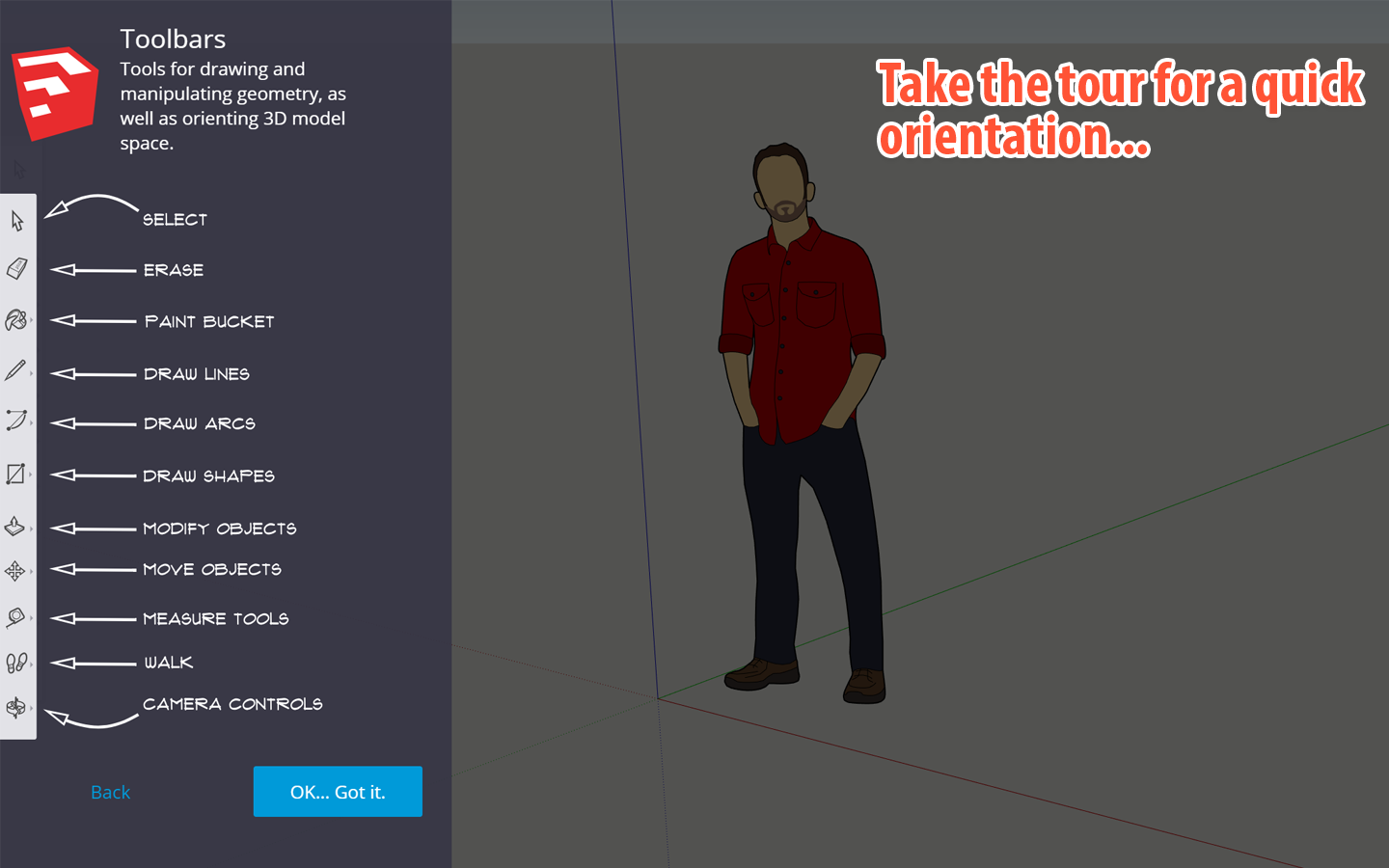
 Once you’ve signed in, SketchUp will load, and you’ll be prompted to take a quick tour of the interface. Go ahead and click through that until you arrive at the SketchUp interface. In the next lesson, you’ll begin creating your first model!