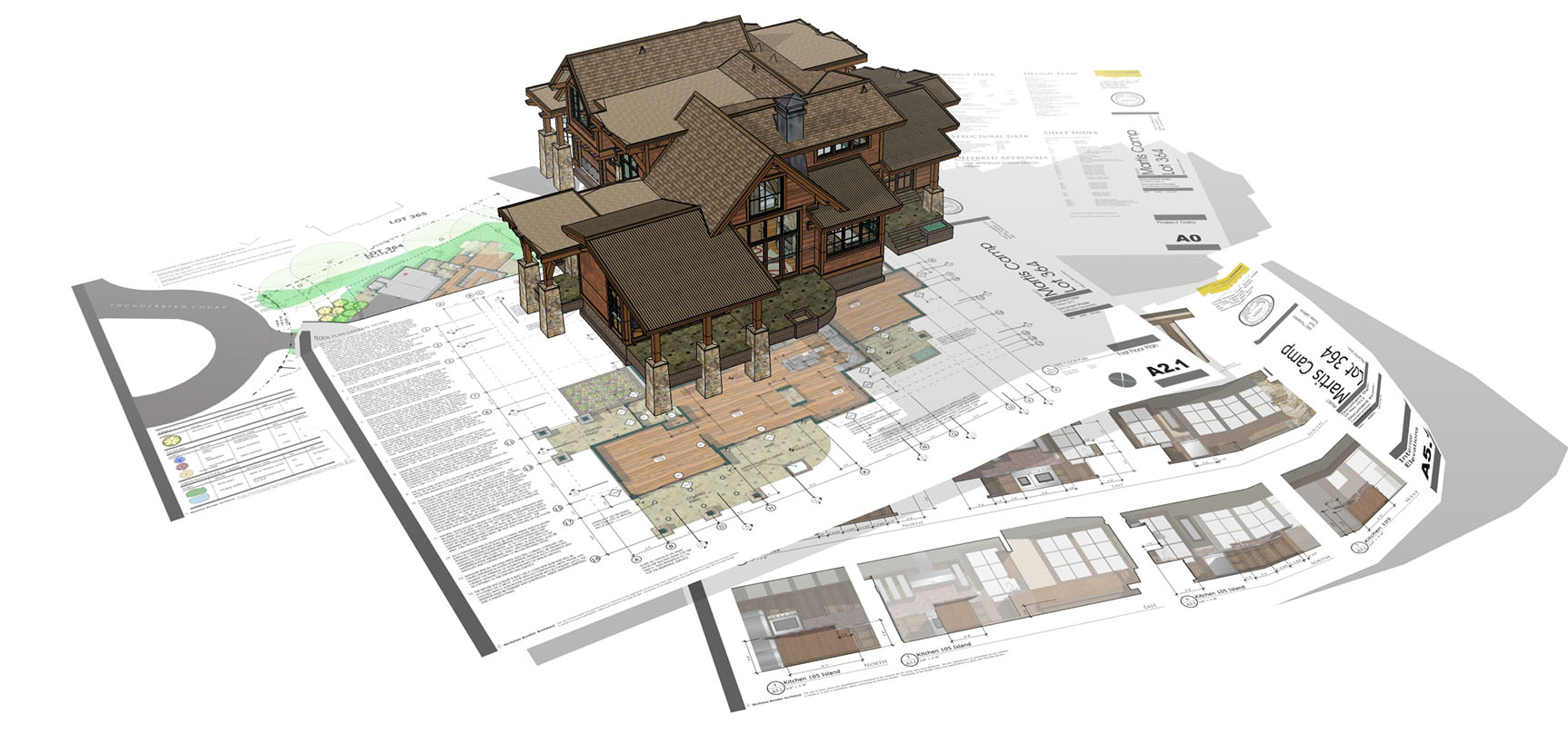
SketchUp is a 3D modeling program (offered in various different platforms/packages) that is flexible, fun, and easy to learn. SketchUp is used by all sorts of people from architects, woodworkers, interior designers, hobbyists, students, and others.
Modeling in SketchUp
When you strip everything down to the basics, here’s how modeling in SketchUp works:
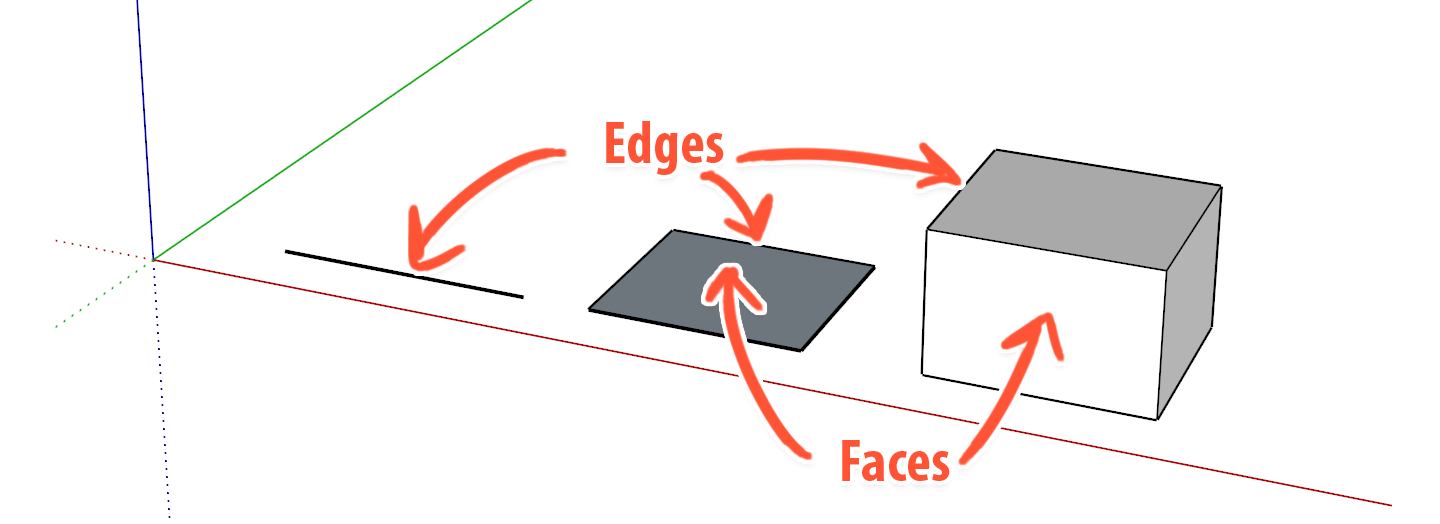
- Everything in SketchUp is either an edge or a face. Faces can only exist between three or more connected edges on a shared plane. You could model everything in SketchUp just using the Line tool, but SketchUp’s other drawing tools (Rectangle, Circle, Arc, Push/Pull etc.) automate the process by creating several edges and faces at once. These edges and faces can represent whatever you want in your model.
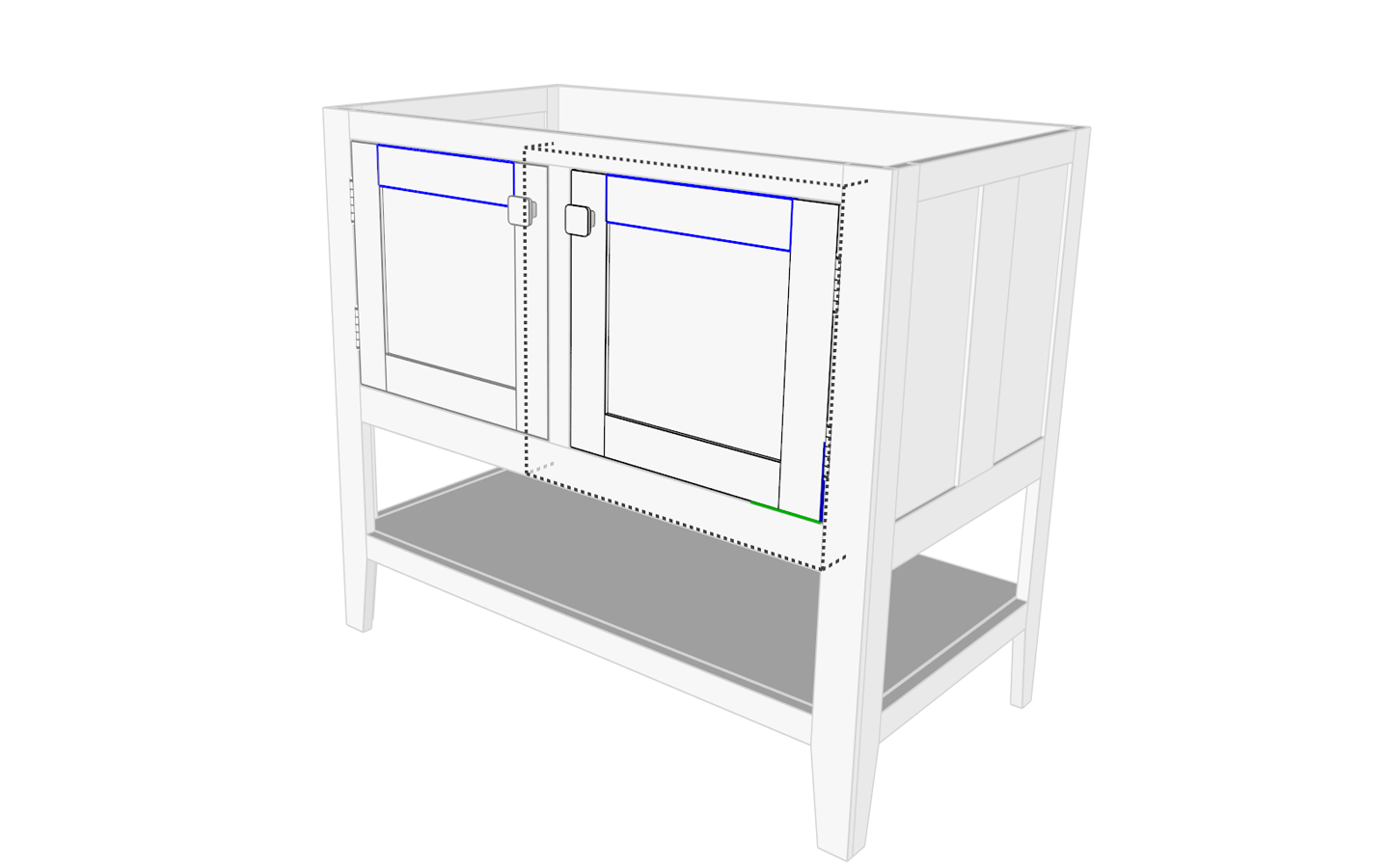
- You organize your edges and faces into invisible containers called groups and components. Groups and components allow you to protect sets of entities so they don’t accidentally get moved or changed. But they also allow you to manipulate several entities as if they were a single “assembly”. Components let you maintain identical copies of objects. They are SketchUp’s main organizational feature, and you can create an unlimited hierarchy of nested groups and components to isolate every part of your model. (If you were modeling a bathroom vanity, you might create a group or component for each board used to build the vanity, then contain each of the doors boards into a component that can be copied. You can use this same concept for the other parts of the vanity.)
Developing and changing your model is done by directly manipulating the edges and faces in your model using the Select, Move, Scale, and Rotate tools. SketchUp will automatically merge and connect entities to each other when you draw on top of them (unless they are in a group or component), so you can draw new shapes on existing ones and extrude them or cut them away to further refine your model.
Enhancing your model
Add visual interest to your models by applying materials to the faces in your model. Or change the look of your entire model by changing the SketchUp Style. You can also add special objects like guides, dimensions, text, labels, and section cuts.
SketchUp is a very flexible 3D modeling program, and is easy to use once you learn the fundamentals. For professional users, SketchUp Pro offers the ability to install plugins, and it comes with LayOut, the 2D companion program for SketchUp that lets you create construction documents from your 3D models.